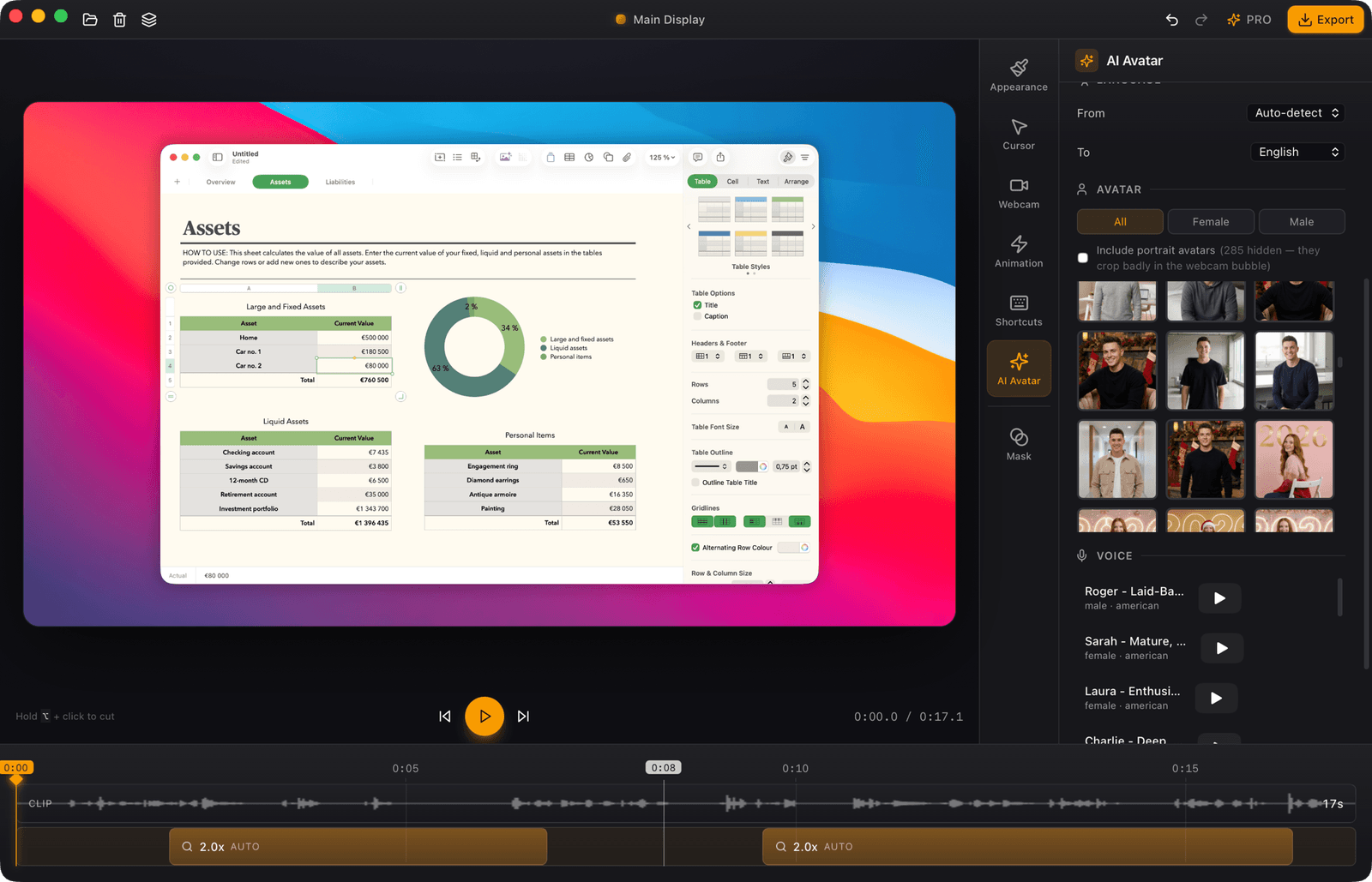
Plug in and record
Connect your iPhone over USB and it appears as a source automatically. Capture it like any screen, with auto-zoom following the action.
Free · Screen recorder for macOS
Cinemak captures your Mac and turns your recording into polished video — auto-zoom, cursor smoothing, custom backgrounds and 4K / 60fps export. The whole app is free. Go Pro to remove the watermark and host unlimited videos.
Features
One tool for the whole pipeline — capture, polish, host, embed. Built for founders who'd rather ship than stitch four SaaS together.
Record
Follows the action, eases back out. Tune any keyframe by hand.
Jittery, darting cursor paths become a calm, deliberate glide.
The cursor glides back to where it started, so your clip loops with no jump.
Solid colors, gradients or your own desktop wallpaper.
Edit
Drop a keyframe anywhere on the timeline — Cinemak eases in and out for you.
Drag a zoom, slice a take, drop a highlight mask — same timeline, no clip math.
Flip to 9:16 and every zoom re-frames itself for TikTok, Reels and Shorts.
Circle, rounded or square — any corner of the frame.
Hit export and your recording uploads itself — ready to share in seconds.
Group recordings into folders and tags — find any clip in seconds.
A public page per recording — viewers drop timestamped comments and reactions.
Configurable snippet — aspect ratio, autoplay, loop.
iPhone capture
Plug in over USB and your iPhone shows up instantly — no AirPlay, no lag. Record, zoom into the action, then drop it in a device frame.
Connect your iPhone over USB and it appears as a source automatically. Capture it like any screen, with auto-zoom following the action.
Wrap the recording in a pixel-accurate device frame — iPhone 16 Pro, 17 Pro, Air and more, in every color.
Pricing
The app is free and unlimited — record, edit and export in 4K / 60fps, with a small Cinemak watermark on exports. Cinemak Pro removes it and adds unlimited hosting, shareable links, embeds and viewer comments.
$0
Record, edit and export — no account needed.
$9 per month
Or $84 / year. Cancel anytime.
No watermark, plus unlimited hosting and viewer feedback.
FAQ
Yes — the Cinemak app is completely free and unlimited: unlimited recording, the full editor, and MP4 export at every quality including 4K / 60fps, with no time limit. Exports from the free plan carry a small Cinemak watermark. You also get up to 3 videos hosted on Cinemak Cloud. Cinemak Pro ($9 / month or $84 / year) removes the watermark and adds unlimited video hosting, embeds and timestamped viewer comments & reactions.
macOS 14 (Sonoma) or later, on Apple Silicon or Intel.
Up to four. Screen Recording, to capture your display, and Accessibility, to track the cursor and clicks, are asked on first launch. Camera and Microphone are only requested when you record your webcam or your voice. All four are managed in System Settings › Privacy & Security.
MP4 video at up to 4K / 60fps. Your zoom keyframes, cursor styling, background and webcam layout are all applied during export.
Yes. If you cancel Cinemak Pro within 14 days of a new charge (a new subscription or a renewal), we refund the unused part of that period on request. After 14 days you keep access until the end of the period you paid for. See the Refund Policy in the footer for the details.