Blog
From the Cinemak team
Guides and notes on screen recording, editing and sharing video that converts.
-
Loom Screen Recording Software: The 2026 Guide & Alternatives
Loom is a popular screen recording software that lets you capture your screen, webcam, and microphone to create instantly shareable videos. It's designed for quick, asynchronous…
Read article → -
Best Programs to Record Screen and Audio on Mac (2026 Guide)
The best program to record your screen and audio on Mac depends on your goal. For polished product demos, Cinemak offers automatic zoom and smoothing. For live streaming, OBS…
Read article → -
How to Screen Capture with Sound on Mac (Internal Audio Included)
To screen capture with sound on a Mac, use the Screenshot toolbar (Cmd+Shift+5) and select a microphone for voiceovers. To record your computer's internal audio (app sounds), you…
Read article → -
How to Capture Screen and Audio on Mac: The Complete 2026 Guide
To capture your screen and audio on a Mac, use the built in Screenshot toolbar (Shift Command 5) and select a microphone under 'Options' for voice narration. To record internal…
Read article → -
How to Screen Record with Audio on Mac (4 Methods)
To screen record on a Mac with audio, you can use the built in Screenshot Toolbar (Shift Command 5) for microphone audio. To capture internal system sounds, you need a dedicated…
Read article → -
OBS Screen Recording: The Complete 2026 Guide
OBS Studio is a free, open source program for high quality video capture and live streaming. It's famous for its powerful customization options, allowing users to combine multiple…
Read article → -
How to Record Your Screen and Audio on Mac (4 Methods)
To record what's happening on your Mac's display along with sound, use the Screenshot toolbar by pressing Shift + Command + 5 . Open the Options menu, select a microphone for your…
Read article → -
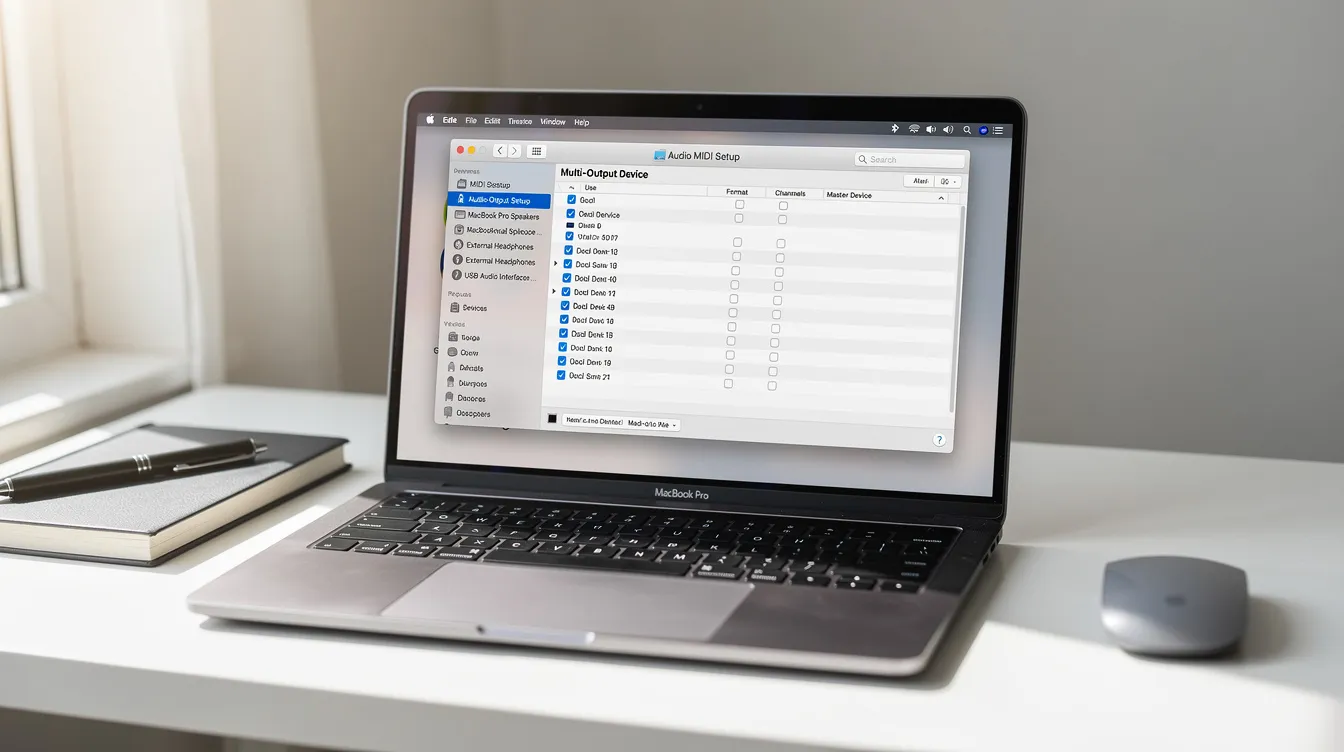
How to Screen Record on Mac in 2026 (With Internal Audio & Camera)
Capturing your Mac’s screen is simple. Press Shift Command 5 to open the Screenshot toolbar. From there, you can choose to record your entire screen or a selected portion. Click…
Read article → -
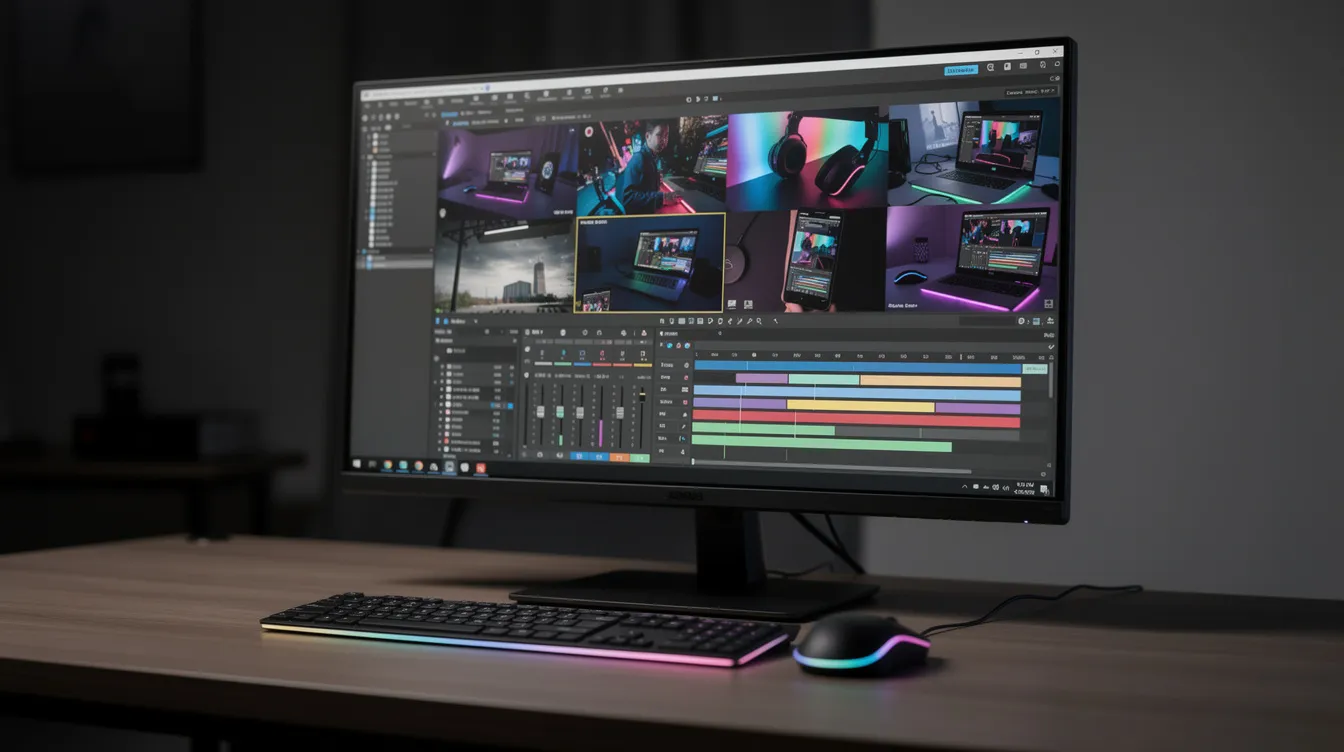
Open Broadcaster Software (OBS) Screen Recording: The 2026 Guide
Open Broadcaster Software (OBS) is a powerful, free, and open source tool for high quality desktop capture. To get started, download OBS, run the auto configuration wizard for…
Read article → -
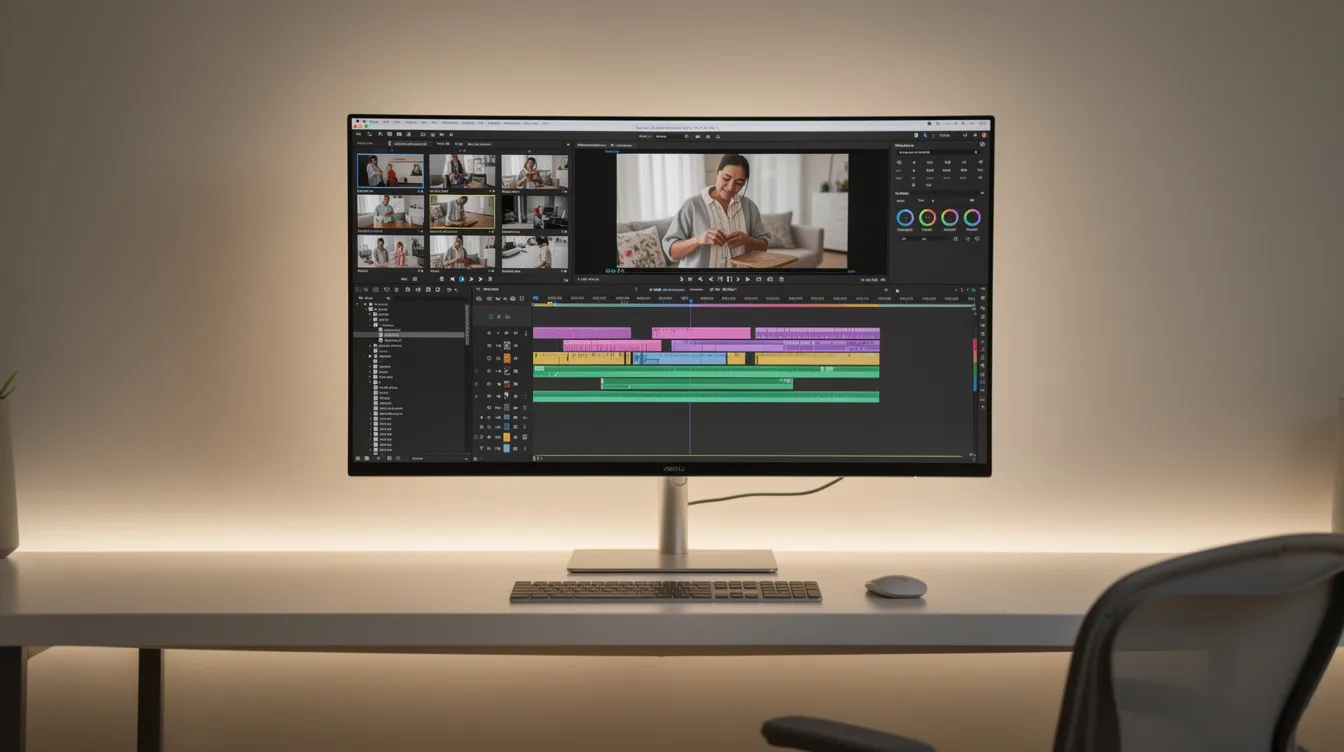
The 5 Best Video Editing Software Picks for 2026 (Free & Pro)
The best video editing software is DaVinci Resolve for its powerful, free, all in one professional toolkit. For beginners and social media creators, CapCut offers an unbeatable…
Read article → -
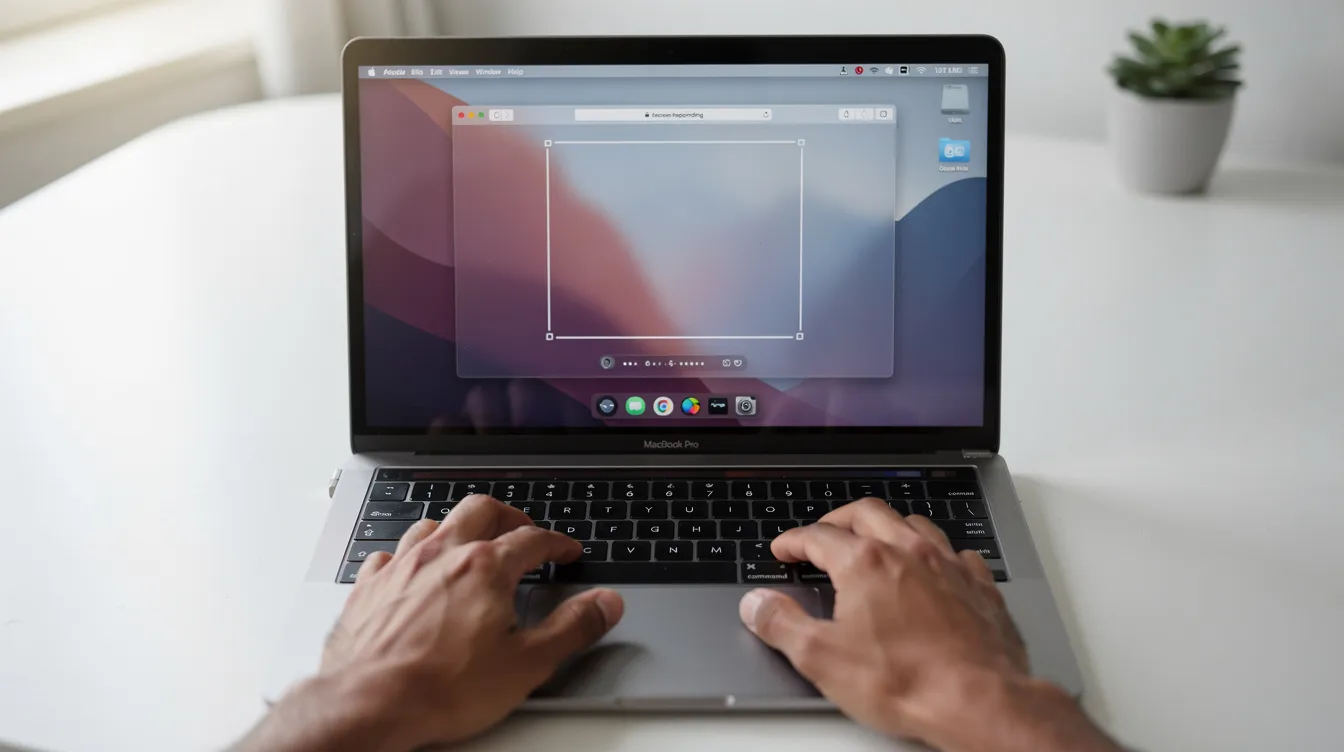
Mac Screen Recorder Shortcut: The Ultimate Guide to Cmd + Shift + 5
The main macOS screen recorder shortcut is Command + Shift + 5 . This command opens the Screenshot and screen recording toolbar, giving you precise controls to capture video of…
Read article → -
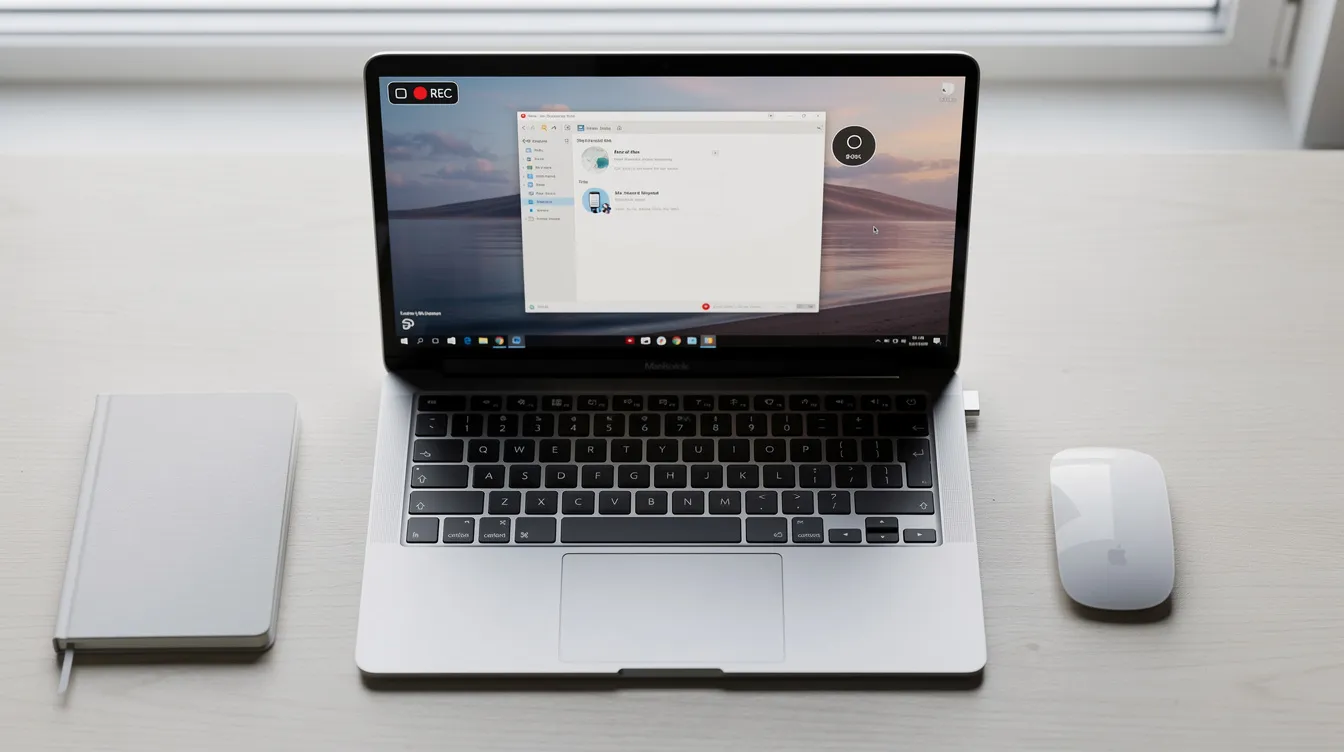
How to Screen Record on Windows (4 Easy Methods in 2026)
To screen record on Windows, use the built in Snipping Tool (on Windows 11) by pressing Win + Shift + S and selecting the video icon, or the Xbox Game Bar (Windows 10 & 11) by…
Read article → -
Does Mac Screen Recording Record Audio? The Complete Guide (2026)
Yes, Mac screen recording can record audio, but it requires you to enable a source first. By default, captures are silent. You can easily record external audio (your voice) using…
Read article → -
Mac Screen Recorder Shortcut: The Definitive Guide (Cmd+Shift+5)
The primary Mac screen recorder shortcut is Command + Shift + 5 . This command opens the macOS Screenshot and video capture toolbar, giving you immediate options to record your…
Read article → -
Where Do Screen Recordings Go on Mac? The Complete 2026 Guide
By default, screen recordings on a Mac are saved directly to your Desktop. The files are typically named with the convention Screen Recording [date] at [time].mov . If you can't…
Read article → -
How to Screen Record on Mac with Audio (Internal & Mic Guide)
To screen record on a Mac with audio, press Cmd + Shift + 5 to open the Screenshot toolbar. Click ‘Options’ and select your microphone under the ‘Microphone’ section. To record…
Read article → -
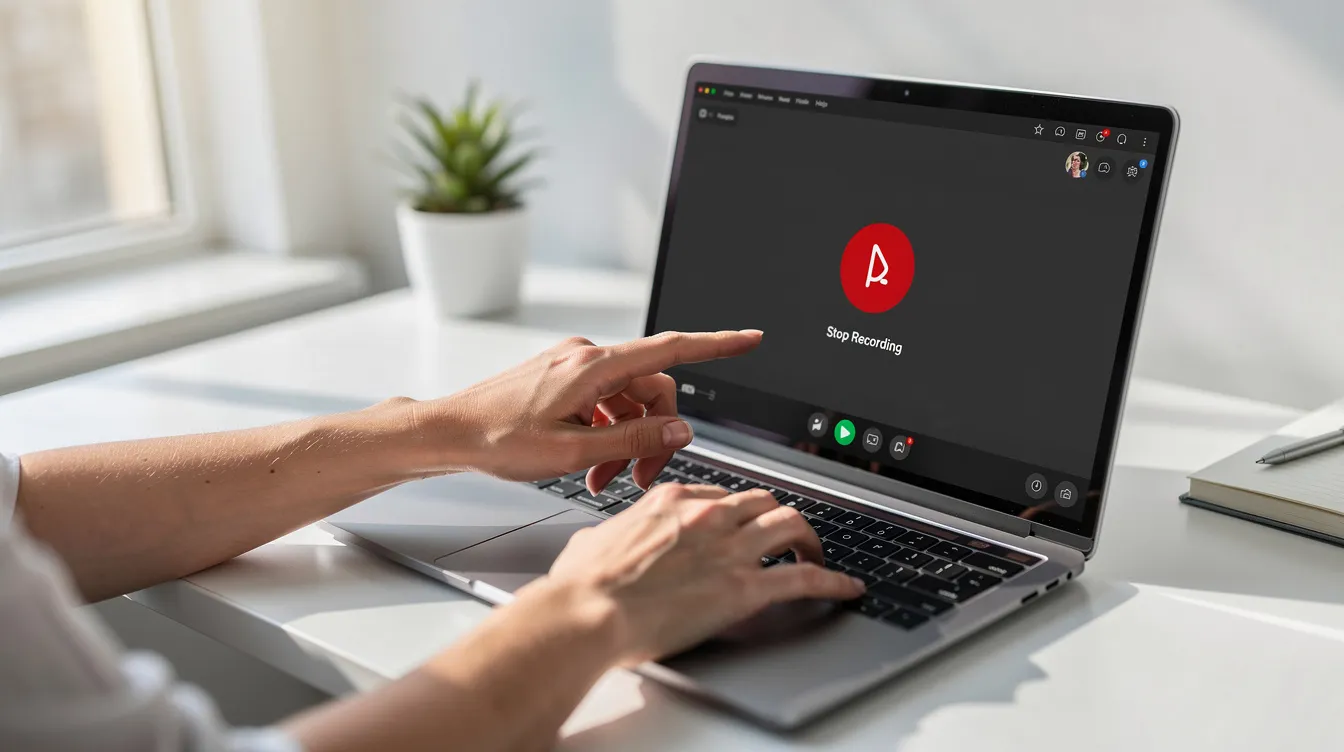
How to Stop Screen Recording on Mac: 5 Methods (2026)
The quickest way to stop a screen recording on a Mac is to click the Stop icon, which looks like a circle with a square inside, in the menu bar at the top of your screen.…
Read article → -
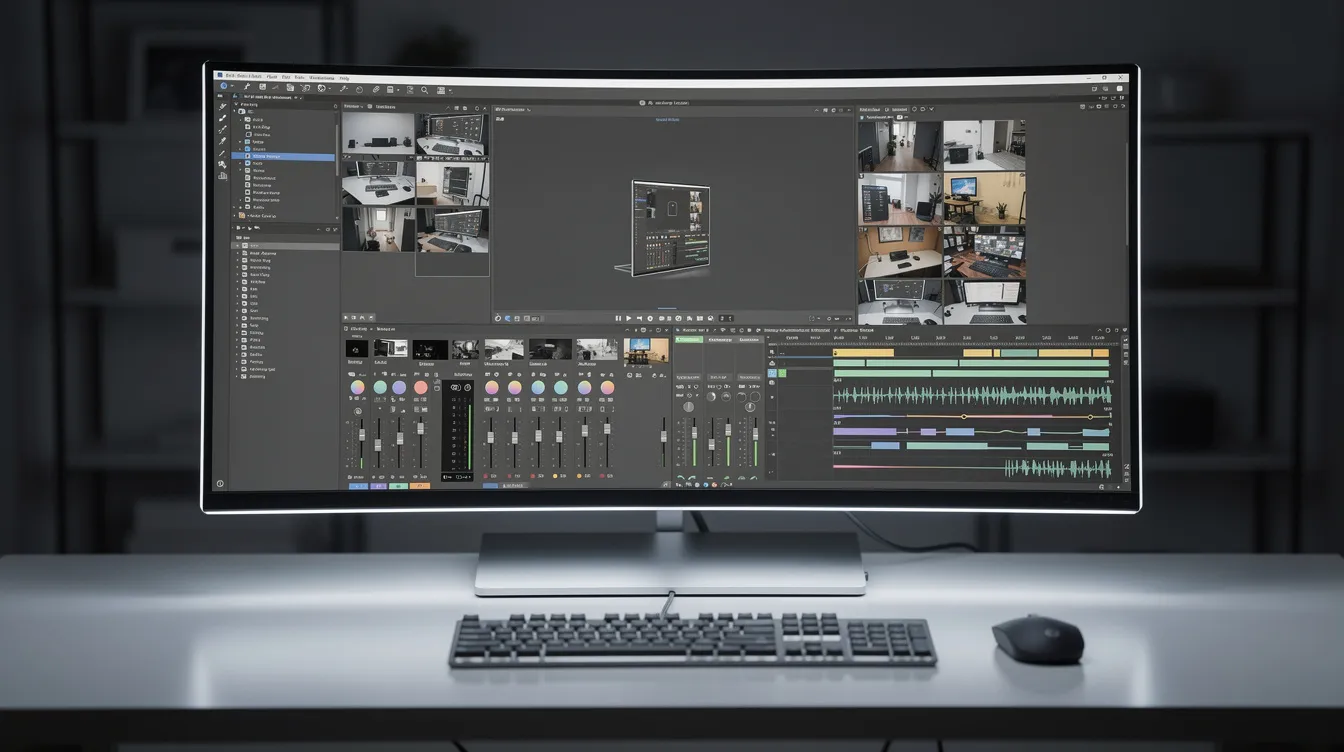
OBS Software Download: The Ultimate 2026 Guide for Windows, Mac & Linux
To download the OBS software, go to the official obsproject.com website. On the homepage, select your operating system—Windows, macOS, or Linux—and click the main “Download”…
Read article → -
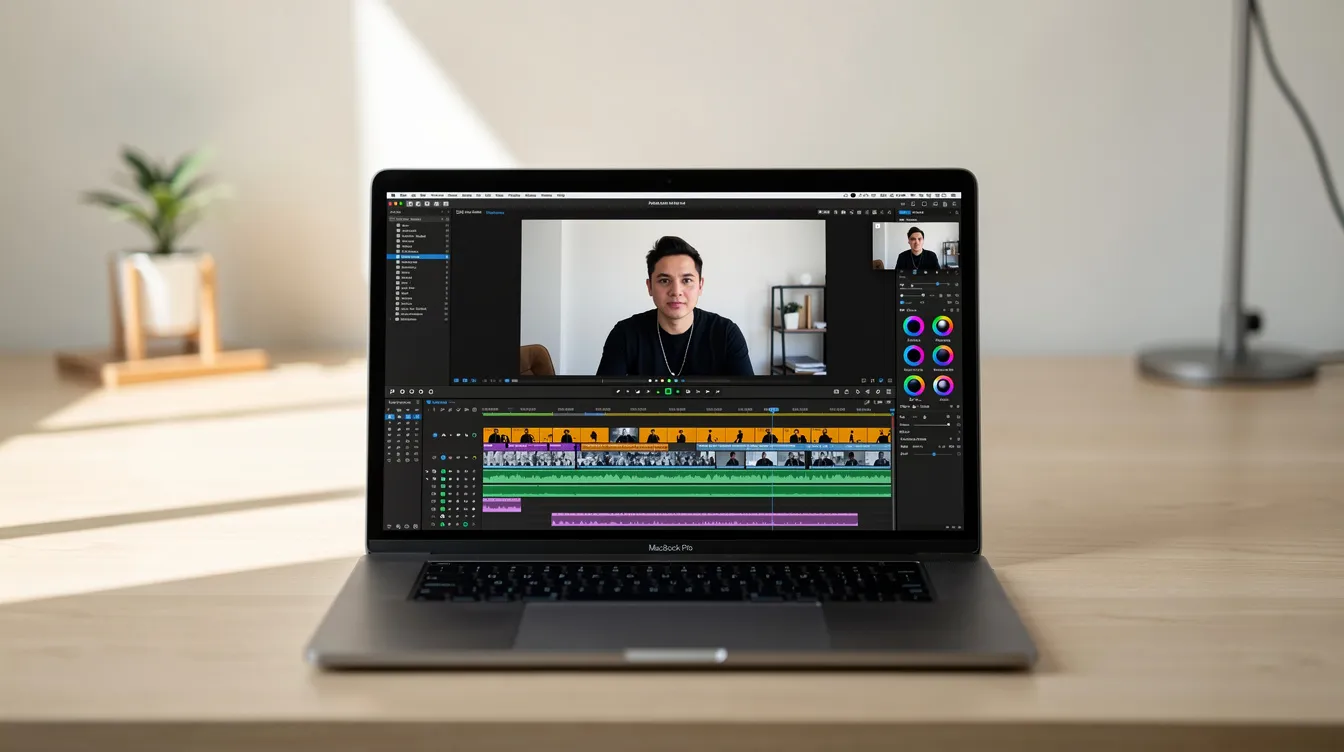
How to Screen Record on Mac: A Complete Guide (2026)
To screen record on a Mac, press Shift Command 5 to open the built in screen capture utility. This control panel lets you record your entire screen or a selected portion. Click…
Read article → -
Snipping Tool for Mac: How to Capture Your Screen in 2026
The snipping tool equivalent on a Mac is the built in Screenshot app, which you can launch by pressing Shift + Command + 5 . This brings up a toolbar with options to capture the…
Read article → -

The Best Recording Software of 2026 (For Any Task)
The best recording software depends entirely on your goal. For audio like podcasts or music, Audacity is a powerful free option. For polished screen recordings on Mac, a tool like…
Read article →