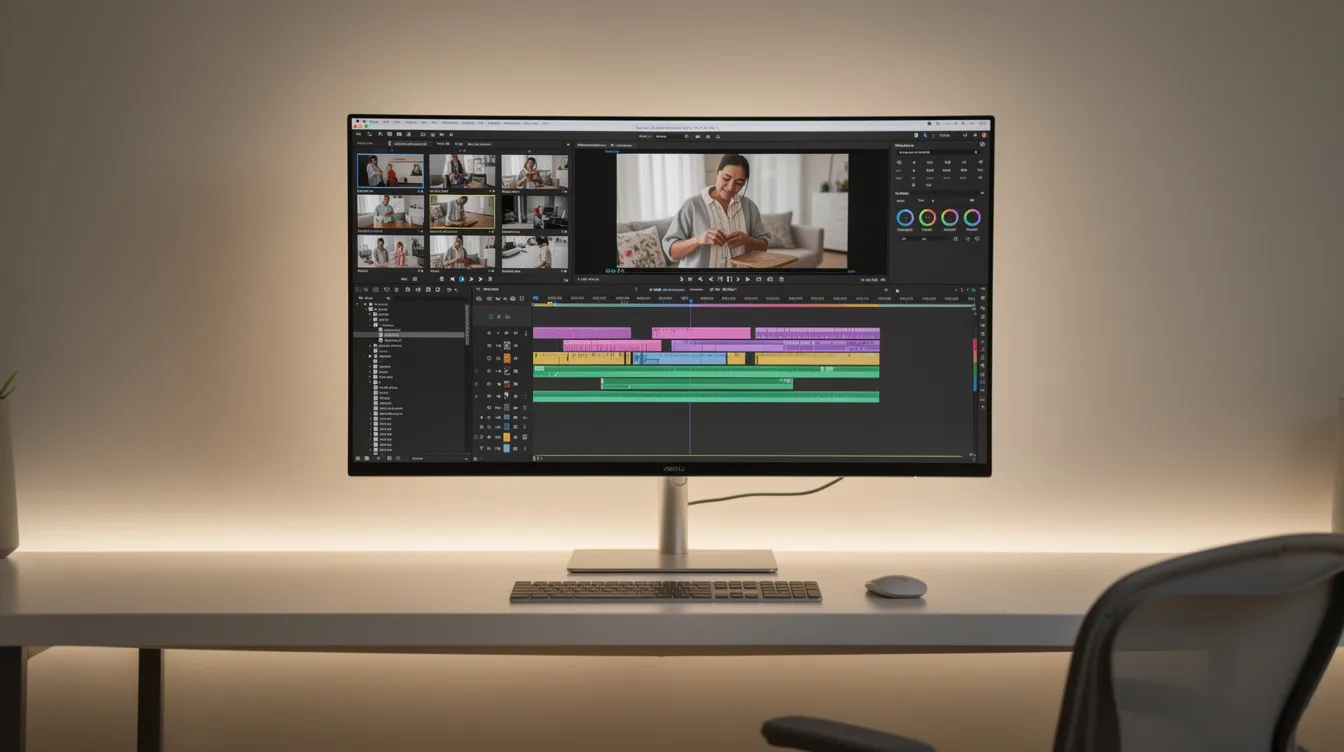
The best video editing software is DaVinci Resolve for its powerful, free, all-in-one professional toolkit. For beginners and social media creators, CapCut offers an unbeatable mix of ease of use and AI features. For polished screen recordings, Cinemak provides an innovative, automated workflow on macOS.
Choosing the right video editor can transform your raw footage into compelling stories. Whether you're a professional filmmaker, a YouTube creator, or a founder making a product demo, the market is filled with options ranging from free, browser-based tools to industry-standard suites. This guide cuts through the noise to highlight the top software for every need and budget in 2026.
How to Choose Video Editing Software
Before diving into specific products, consider these four key factors. The best editor for a Hollywood colorist is different from the best editor for a TikTok creator. Understanding your own needs is the first step to making the right choice.
- Skill Level & Ease of Use: Are you a complete beginner or a seasoned professional? Some programs, like Adobe Premiere Pro, have steep learning curves but offer unparalleled control. Others, like CapCut, prioritize simplicity with drag-and-drop interfaces and AI-powered templates.
- Core Features: Look beyond basic trimming and cutting. Do you need advanced color grading, multi-camera editing, motion graphics, or specific AI tools like background removal and voice translation? Make a list of your must-have features.
- Pricing Model: Software pricing varies widely. Options include free versions (often with limitations or watermarks), one-time purchases, and monthly or annual subscriptions (like Adobe's Creative Cloud). Freemium models, where the core product is free and advanced features are paid, are also common.
- System Requirements: Professional video editing is resource-intensive. Check the software's requirements for CPU, GPU (graphics card), and RAM to ensure your computer can run it smoothly, especially when working with high-resolution footage like 4K.
Comparison of the Best Video Editors for 2026
Here’s a quick overview of our top picks. This table provides a side-by-side look at what each program excels at, helping you find the perfect fit faster.
| Software | Best For | Skill Level | Pricing | Key Feature |
|---|---|---|---|---|
| DaVinci Resolve | All-in-one professional editing & color | Intermediate to Pro | Free (Studio version is $295 one-time) | Hollywood-grade color grading |
| Adobe Premiere Pro | Professional editors & Creative Cloud users | Intermediate to Pro | Subscription ($22.99/mo) | Seamless Adobe ecosystem integration |
| CapCut | Beginners & social media creators | Beginner | Free (Pro plan available) | AI-powered features & trending templates |
| Cinemak | Polished screen recordings & product demos | Beginner to Intermediate | Free (Cloud & AI are paid add-ons) | Automated zoom, cursor smoothing & timeline-free editor |
| CyberLink PowerDirector | Hobbyists & general consumer use | Beginner to Intermediate | Subscription or one-time purchase | Fast rendering speeds & AI effects |
1. DaVinci Resolve: The Best Overall & Professional Choice
DaVinci Resolve is a complete post-production suite that combines professional video editing, color correction, visual effects (VFX), and audio post-production into a single application. Its free version is so astonishingly powerful that it surpasses many paid competitors, making it the top choice for serious creators on a budget.
Originally known as the industry standard for color grading, Resolve has evolved into a formidable non-linear editor (NLE). Its interface is organized into dedicated "pages" for different tasks, allowing you to move seamlessly from cutting clips to mixing audio to finessing color. The learning curve can be steep for absolute beginners, but the investment pays off with a tool that can handle any project, from a short film to a feature-length documentary.
- Who It's For: Aspiring filmmakers, professional colorists, and YouTubers who want a free tool they won't outgrow.
- Key Features: Advanced color correction panels, Fairlight audio tools, Fusion visual effects, multi-user collaboration.
- Pricing: The core software is completely free with no watermarks. The paid DaVinci Resolve Studio ($295 one-time purchase) adds more advanced features like the DaVinci Neural Engine, stereoscopic 3D tools, and more resolves FX filters.
2. Adobe Premiere Pro: The Industry Standard
Adobe Premiere Pro is the video editing software most professionals think of first. It's a cornerstone of the film, TV, and web industries for good reason: it's powerful, versatile, and integrates flawlessly with other Adobe Creative Cloud apps like After Effects, Photoshop, and Audition. This tight integration, known as Dynamic Link, allows you to make changes in one program and see them update instantly in another, creating an incredibly efficient workflow.
Premiere Pro features a traditional and highly customizable NLE timeline, robust multi-camera editing, and a comprehensive set of tools for every stage of production. Its AI-powered features, branded as Adobe Sensei, are particularly useful for tasks like auto-reframing videos for different aspect ratios and generating transcripts for captions automatically. The main drawback is its subscription-only model, which can be costly over time.
- Who It's For: Professional video editors, creative agencies, and anyone heavily invested in the Adobe Creative Cloud ecosystem.
- Key Features: Best-in-class integration with Adobe apps, powerful AI transcription and reframing, extensive third-party plugin support.
- Pricing: Available only through a Creative Cloud subscription, starting at $22.99 per month for the single app.
3. CapCut: Best for Beginners and Social Media
CapCut has rapidly become the go-to editor for social media content, and for good reason. It strikes the perfect balance between ease of use and powerful features, making it incredibly accessible for beginners. Available on desktop (Windows/Mac) and mobile, it allows you to start a project on your phone and finish it on your computer seamlessly.
Its interface is clean and intuitive, but beneath the surface lies a surprisingly deep feature set. CapCut offers multi-layer editing, keyframing, and a vast library of trending music, effects, and filters. Its AI capabilities are a standout, with one-click tools for background removal, auto-captions, and text-to-speech that work remarkably well. While it might not be the tool for a feature film, it's unbeatable for creating engaging content for TikTok, Instagram Reels, and YouTube Shorts.
- Who It's For: Social media managers, TikTok and Reels creators, and anyone new to video editing.
- Key Features: Huge library of licensed music and effects, excellent auto-captioning, cross-platform syncing, user-friendly interface.
- Pricing: The free version is extremely capable. A Pro subscription unlocks more cloud storage, effects, and advanced AI features.
4. Cinemak: Best for Polished Screen Recordings
Cinemak is designed for a specific but crucial purpose: creating flawless screen recordings and product demos with minimal effort. While traditional NLEs require you to manually edit every zoom, pan, and cursor movement, Cinemak automates the entire polishing process. It's built as a single pipeline for capture, polish, hosting, and even translation.
Upon stopping a recording, Cinemak automatically applies intelligent effects. Its automatic zoom follows the on-screen action, drawing the viewer's attention to what's important. Cursor smoothing cleans up erratic mouse movements, and you can instantly apply a custom background. The editing process itself is uniquely accessible; a timeline-free editor lets users drop keyframes, trim, and reframe without the steep learning curve of a traditional timeline. This makes it ideal for founders, product teams, and creators who need to produce professional-looking tutorials or demos quickly.
Even better, the free plan is exceptionally generous, offering unlimited recording, editing, and 4K/60fps export with no account required. This commitment to quality and accessibility sets it apart. For those needing a complete solution, paid add-ons provide cloud hosting, analytics, and powerful AI features like voice translation into over 20 languages.
This integrated, automated approach can save hours of tedious manual editing. If you create screen recordings and want them to look polished without spending all day in a complex editor, try Cinemak for free on macOS.
- Who It's For: Founders, product marketers, support teams, and course creators on macOS.
- Key Features: Automated zoom and cursor cleanup, timeline-free keyframe editing, unlimited 4K/60fps export on the free plan, integrated hosting and AI translation.
- Pricing: Free for unlimited local recording and editing. Paid plans add cloud hosting, analytics, and pay-as-you-go AI Credits.
5. CyberLink PowerDirector: The Best Consumer-Level Editor
CyberLink PowerDirector has long been a favorite among hobbyists and consumer-level creators. It offers a powerful set of features that rival more professional software but presents them in a more user-friendly package. It's known for its fast rendering speeds, which is a major advantage when you're eager to export and share your final video.
PowerDirector comes packed with a wide array of AI-powered effects, templates, and creative tools. Whether you want to add cinematic motion to your sky, remove wind noise from your audio, or use an AI body effect, the software provides guided edits and simple controls to achieve impressive results. It strikes a great middle ground for users who have outgrown basic editors but aren't ready to tackle the complexity of Premiere Pro or DaVinci Resolve.
- Who It's For: YouTube creators, families, and hobbyist videographers who want powerful features without a steep learning curve.
- Key Features: Fast rendering performance, large library of creative effects and templates, AI-assisted tools (sky replacement, object detection).
- Pricing: Available as a subscription (PowerDirector 365) or a one-time perpetual license.
FAQ
Which is the best software for video editing?
The best overall software is DaVinci Resolve because its free version provides a complete, professional-grade production suite. For beginners focused on social media, CapCut is the top choice due to its ease of use and powerful AI features.
What do most YouTubers use to edit their videos?
Professional YouTubers and production teams most commonly use Adobe Premiere Pro or Final Cut Pro for their robust features and ecosystem integration. Many creators, especially those starting out or on a budget, use DaVinci Resolve for its powerful free version. CapCut is also increasingly popular for editing Shorts and other social content.
Is DaVinci Resolve really free?
Yes, the standard version of DaVinci Resolve is completely free for commercial use and includes no watermarks. It contains more than enough features for most professional editing, color grading, and audio work. A paid "Studio" version exists that adds more advanced, specialized tools for high-end professionals.
Is there a 100% free video editor?
Yes, there are several excellent 100% free video editors without watermarks. DaVinci Resolve offers a professional suite for free. CapCut provides a feature-rich editor perfect for social media at no cost. For macOS users creating screen recordings, Cinemak offers unlimited recording, editing, and 4K export for free.